An identity provider you run yourself
Odudu is an OpenID Connect and OAuth 2.0 server with an admin console, a command-line tool and documentation checked against the running server. It is one container and Postgres, and it is open source.
Read the docsFollow the quick start
A release candidate: try it and tell us what breaks. What is built and what is next
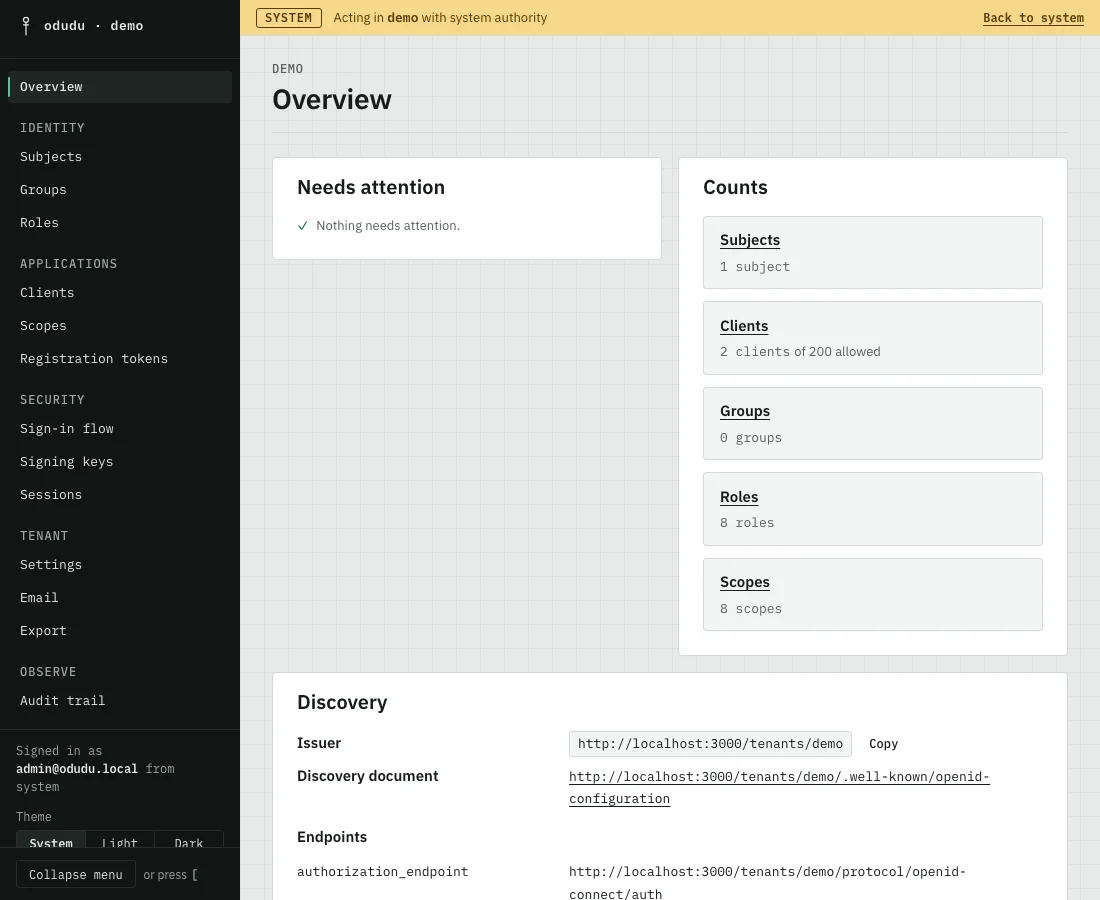
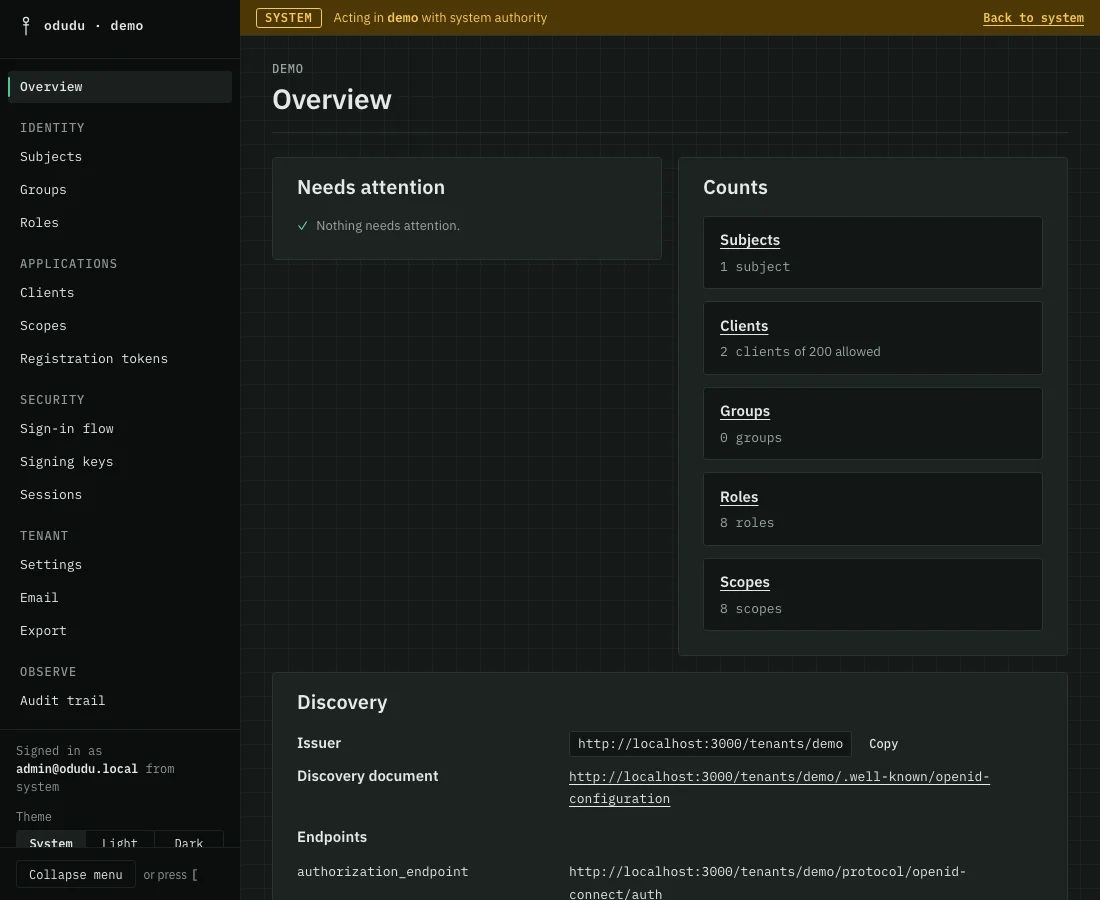
In pictures
How sign-in works
Odudu keeps sign-in in one place, so your apps never handle a password.
Sign in once, and use every app of that tenant that trusts Odudu.
A person opens your app.
Your app sends them to Odudu to sign in.
They sign in on Odudu's own page. Odudu supports passwords, passkeys and codes from an authenticator app.
- Passwords
- Passkeys
- Authenticator codes
Odudu sends them back with a signed pass, and your app lets them in.
Later, they open a second app, and it sends them to Odudu too.
Odudu sees they are already signed in, so it shows no sign-in page. Straight back, with no password asked. Sign in once, and use every app of that tenant that trusts Odudu.
- Single sign-on across one tenant
Sign out of one, and the apps that registered for it are told.
- Back-channel logout
The ideas are in Sessions and Tokens, and Sign a user in shows every request.
What you get
A complete sign-in service, built and shown working
Standard sign-in
The authorization code flow with PKCE always on, and discovery, signing keys, user info, introspection and revocation for every tenant.
Many tenants
Any number of tenants on one server, each with its own people, apps, keys and settings, kept apart by the database itself.
Passwords and second factors
Passwords with a policy and lockouts, passkeys, authenticator apps and recovery codes, chosen per tenant.
Sessions that end properly
Refresh tokens that rotate and are caught when stolen, and logout that reaches the apps that registered for it.
Services and delegation
Client credentials for a service that signs in as itself, and token exchange for acting on someone else's behalf.
An admin API and console
More than a hundred operations, each checked against the capability it needs, and a console with a page for every area.
An audit trail
Every administrative change, sign-in, refusal and token is recorded, filterable and exportable.
One container and Postgres
Migrations run at boot, health endpoints are built in, and TLS is ended in front of the server.
First run
From docker compose up to your first sign-in
Start it
One command downloads the Compose file and starts Postgres, a one-time setup step and the server.
Sign in to the console
The setup step prints the console address and the first administrator's sign-in, once.
Sign a person in to an app
Make a tenant, register an app and sign someone in, from the console or the command line.
The quick start has every step, with what you should see.
Start where you are
Four ways in
I am building an app
Pick the guide for a web app, a single-page app, an API or a service. Each ends with a working sign-in.
I administer people and apps
A tour of the console: tenants, people, apps, keys and the audit trail.
I run the server
Deploy, configure, upgrade, back up and scale an installation.
I am choosing a provider
What Odudu does today, what it does not, and where each capability is shown working.
Four small apps that work
Each has a guide that walks through it. The source is in the examples folder (opens in a new tab).
How it compares
Honest about where it stands
You may be choosing between Odudu and another identity provider you run yourself. The comparison page lists what Odudu does today, each with a page that shows it working, and what it does not do. It says nothing about other products, because facts about them go stale.
Odudu is a release candidate. It has not had an independent security review yet and it runs as one instance. The roadmap lists what is built, what comes next and what is decided against.
Where it runs
Self-hosted today, hosted in the works
Run it yourself
This is what exists. Odudu is one container beside Postgres, and the quick start has it running on your machine with the console open. Operating Odudu covers a server other people can reach.
Hosted Odudu In the works
A hosted Odudu, run for you, is in the works. It has no date. Nothing in the open source server waits for it. Read the roadmap
Free software: the server, the console and the command-line tool are AGPL-3.0, and the documentation text and the examples are Apache-2.0. An app that only talks to Odudu over OpenID Connect or the admin API is not a derivative work of it. How the licences fit together. The fonts are IBM Plex Sans and Mono under the SIL Open Font License 1.1 (Sans, Mono)
The documentation
Everything else is a click away
- IntroductionWhat Odudu is, who it is for and how the documentation is laid out.
- Quick startStart Odudu with Docker Compose and sign in to the console as the first administrator.
- GuidesSign users in from a web app, a single-page app, an API or a machine.
- ConceptsTenants, clients, tokens, sessions and the other ideas the product is built on.
- Admin consoleA tour of the console and one page for each area it manages.
- Operating OduduDeploy, configure, upgrade, back up and scale a running installation.
- ReferenceEndpoints, configuration, commands, error codes and events, looked up by name.
- SecurityHow Odudu protects credentials, sessions and tenants, and how to report a problem.
- ContributingBuild Odudu from source, run its tests and send a change.
- Documentation homeEvery section and the four journeys on one page.
Four journeys, in order
Each follows one path with real requests, and links to the full recording.
For AI assistants
Every page of this site is also plain Markdown, and llms.txt lists them all, so an assistant can read the documentation without scraping it. An MCP server, which would let an agent administer Odudu through the same checks as everyone else, is planned (P5a) and is not built yet. See where it sits on the roadmap.