Groups in the console
When twenty people in finance need the same access, you do not give it to each of them. You make a group called finance, give the group the roles, and put the people in it. Anyone who joins later holds the roles too. This page is for changing who is in a group, what a group carries and where it sits. It needs the manage-tenant capability; the menu entry is Groups under IDENTITY.
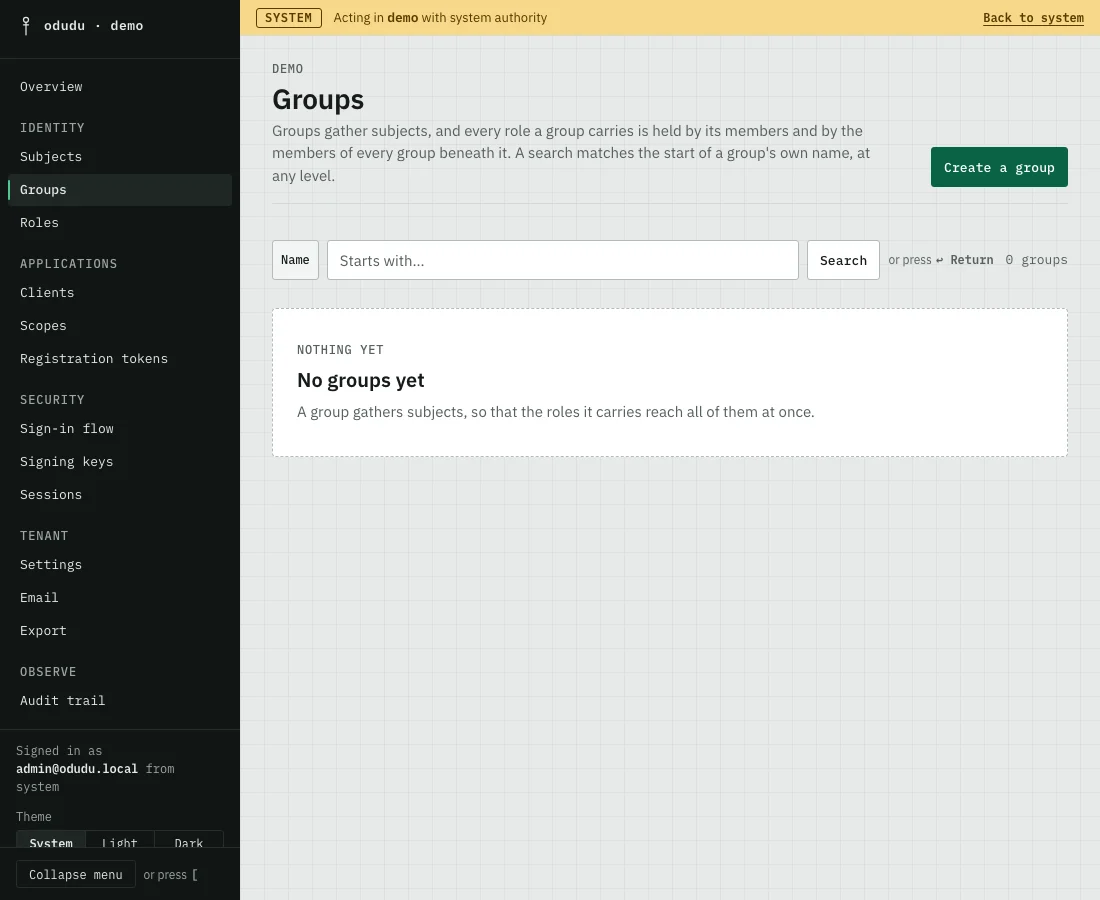
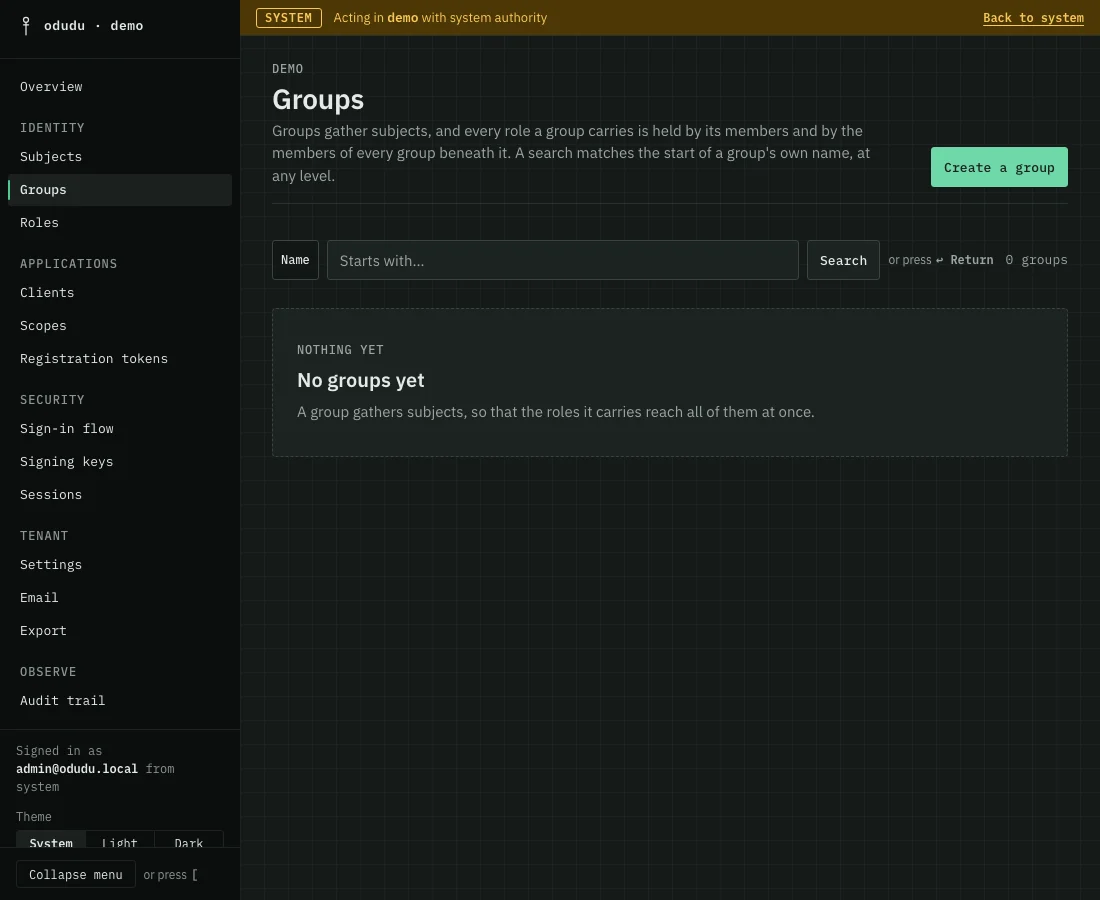
1. Create a group
Choose Create a group. Give it a Name and, if you want, a Description. The name is fixed once the group exists, because tokens carry the group's path and an application that matches on it would otherwise pass or fail depending on a token's age.
To nest the group, pick a Parent. A group with no parent sits at the top level. Then choose Create group.
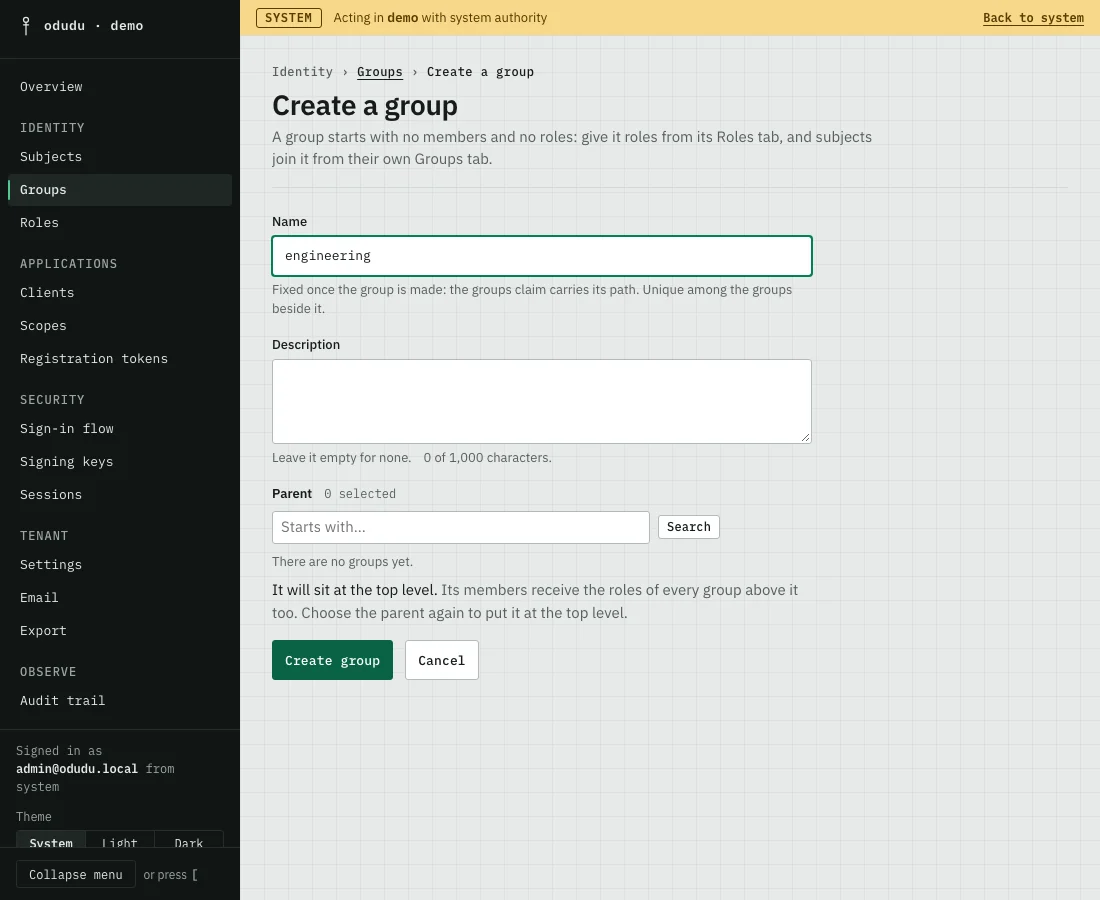
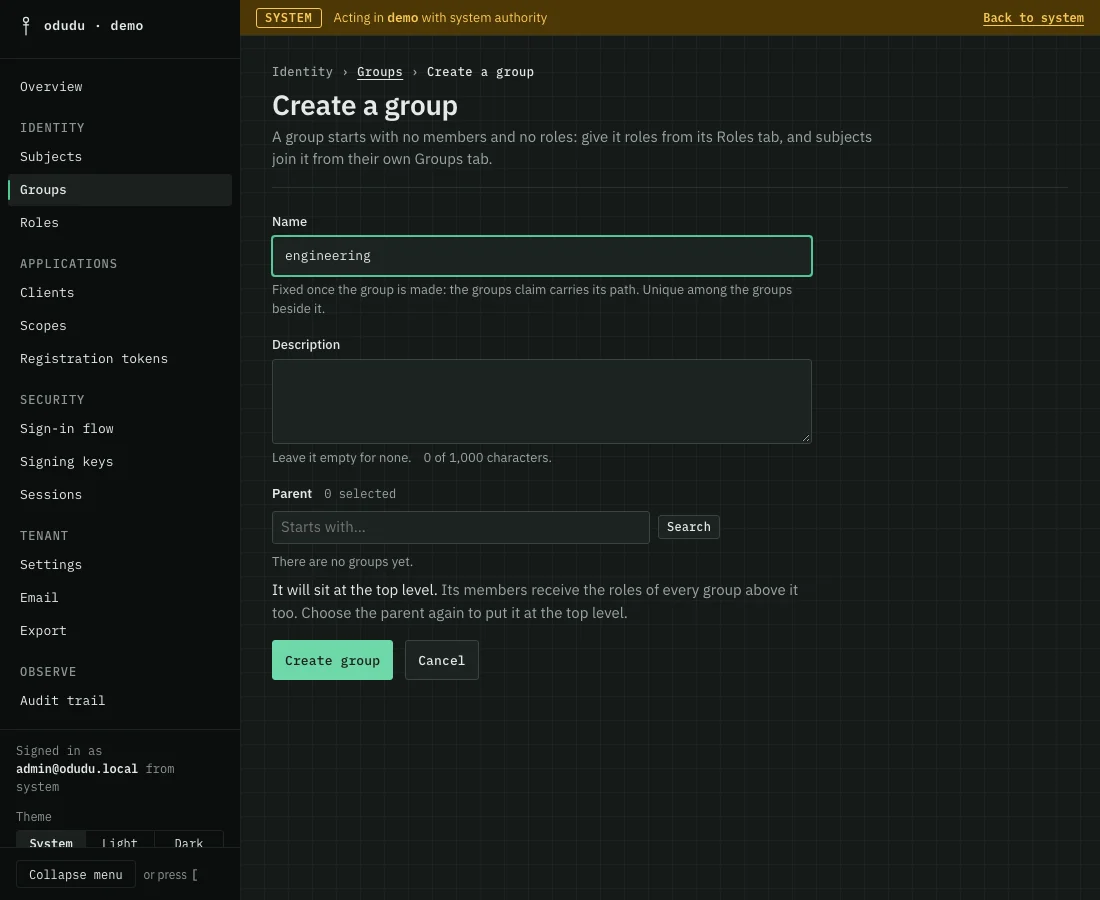
A new group has no members and no roles. The next two steps fill it.
2. Give the group roles
Open the group and choose its Roles tab. Pick the roles the group carries, then save with Save Roles. Every member of the group, and every member of a group beneath it, holds each of these roles from their next token.
3. Put people in the group
A group's Members tab only lists who belongs. To add someone, open them under Subjects, choose their Groups tab, pick the group and save. A group can also be joined by every new subject automatically: on the General tab, under New subjects, turn on Joined by every new subject. Nobody who already exists is changed by it.
4. Move or rename a group
On the General tab you can change the Description, and the Parent under Place in the tree. Moving a group changes what its members hold, because they receive the roles of every group above it, so the console asks you to confirm with Save Place in the tree. The name never changes. Make a new group instead.
The Activity tab lists every change made to the group.
Things that cannot be undone
- Delete on the General tab removes the group and every group beneath it, as Delete /eng and every group beneath it for a group at
/eng. No group beneath it survives as a new top-level group. - Moving a group, or changing its roles, changes access for every member at once. Check Members first.
Do the same through the API
The calls are in the groups area of the admin API. Putting a person in a group is a call on the subjects area. From the command line, odudu seed group and odudu seed join-group do the same for a first installation.