Overview in the console
Every tenant opens on its Overview. It is the page to look at first thing: it tells you whether something needs doing, how many people and applications the tenant holds, and the addresses an application is configured with. It needs no capability beyond signing in to the tenant, so every administrator can open it.
1. Read the Overview
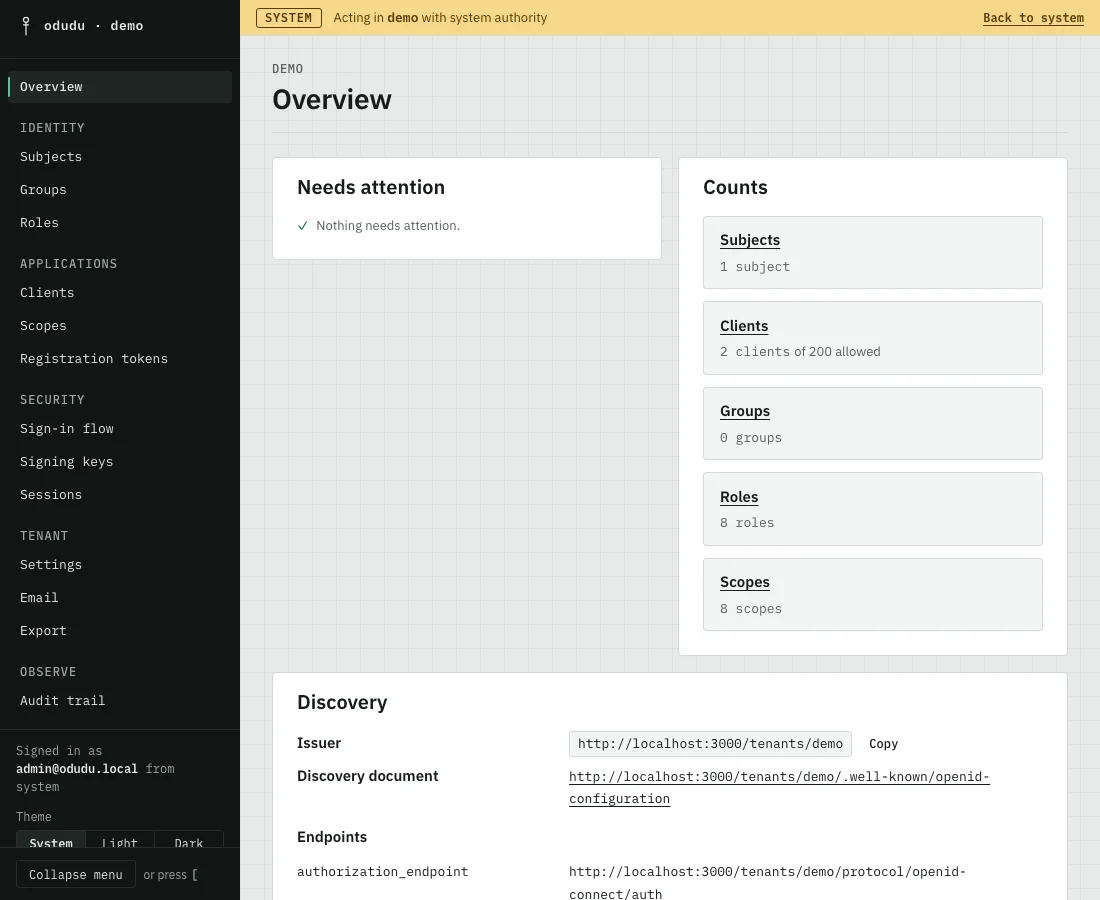
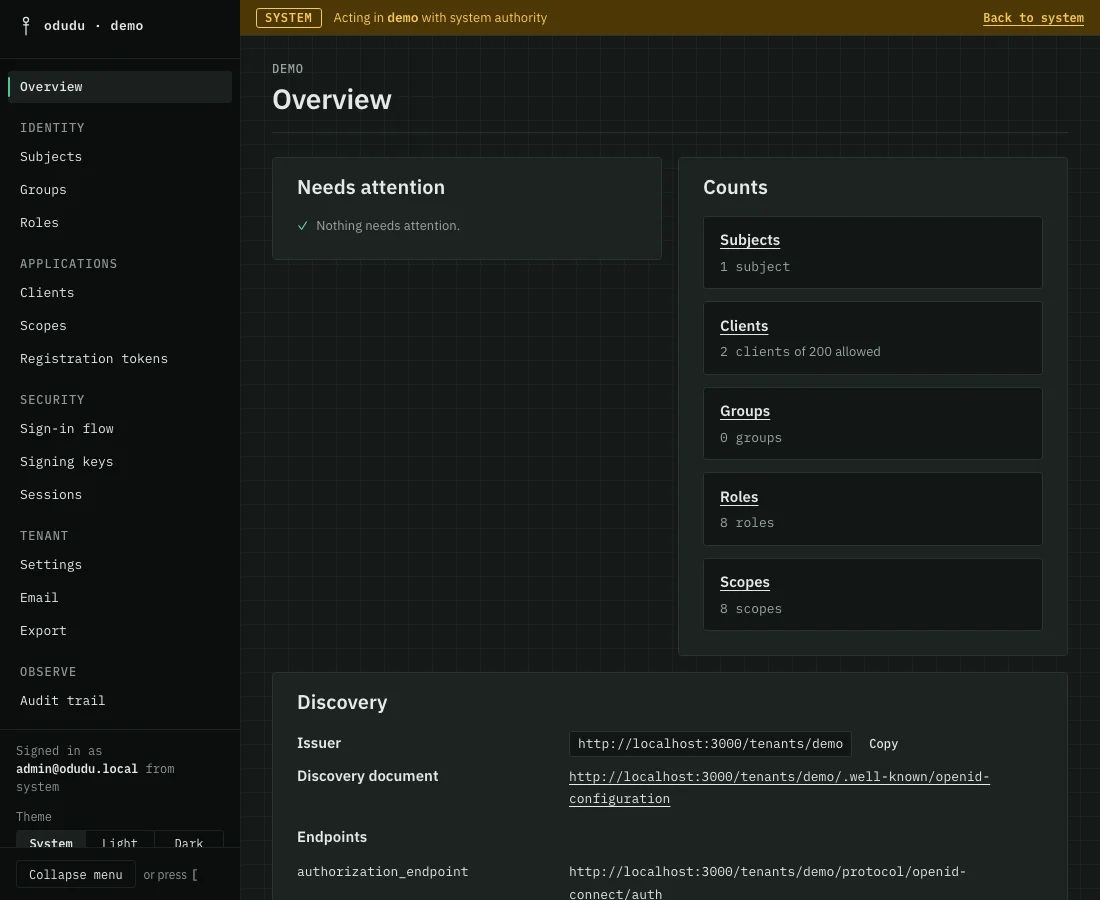
- Look at Needs attention first. It is empty, with a tick, when all is well. It lists a problem only when it is certain of it: a mail relay missing while email verification or password reset is on, a signing key that has been published long enough to promote, and a registration policy that has no room left for another client. Each entry links to the area that fixes it.
- Read Counts. It shows how many subjects, clients, groups, roles and scopes the tenant holds, and how many clients it allows. Each name is a link to its list.
- Copy what an application needs from Discovery. The Issuer is the tenant's address, and the discovery document lists every other address under it. The same panel holds the tenant's published keys and the raw key set.
- Glance at Latest activity. It lists the latest audit rows, the newest entries of the audit trail, with Open the audit trail beside it for the rest.
If one panel cannot be read, because your account lacks a capability it needs, the page says so in that panel and keeps the others.
Nothing here changes anything
The Overview only reads. There are no dangerous actions on it, and everything it shows is also in the area it links to.
Do the same through the API
The addresses are public: GET /tenants/{tenant}/.well-known/openid-configuration and the key set it names are described in the endpoint reference. The counts come from the list calls of the subjects, clients, groups, roles and scopes areas. What you may see comes from whoami.