Registration tokens in the console
Most of the time you register a client yourself, on the Clients page. Sometimes an installer or a platform has to register applications on its own, and you would rather not hand it your administrator account. A registration token is the narrow key for that: it lets whoever holds it register clients, a set number of times, until it expires. It needs the manage-clients capability; the menu entry is Registration tokens under APPLICATIONS.
1. Let the tenant accept registrations
A token is only worth minting when the tenant allows registration with one. Open Settings, go to Dynamic client registration and set Policy to With a registration token. The default is Closed: only an administrator creates clients, and with it no token can register anything.
2. Mint a token
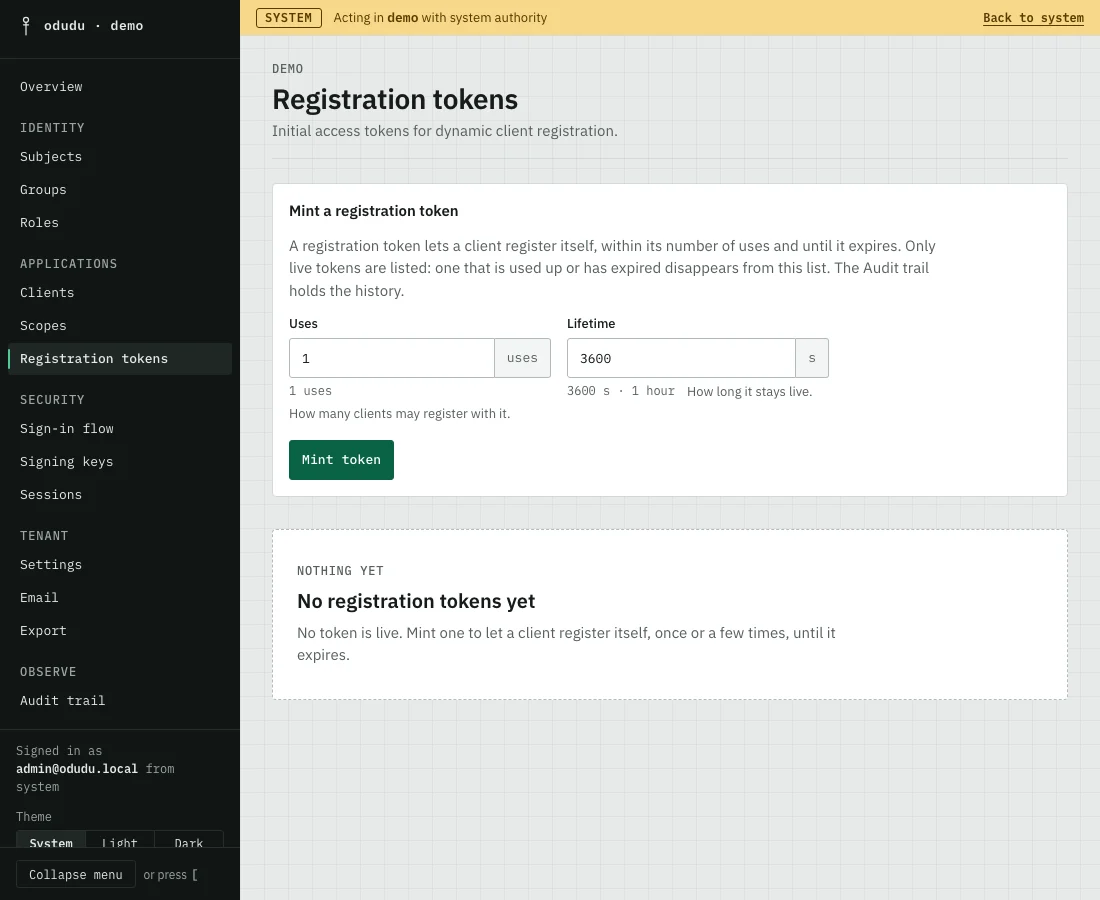
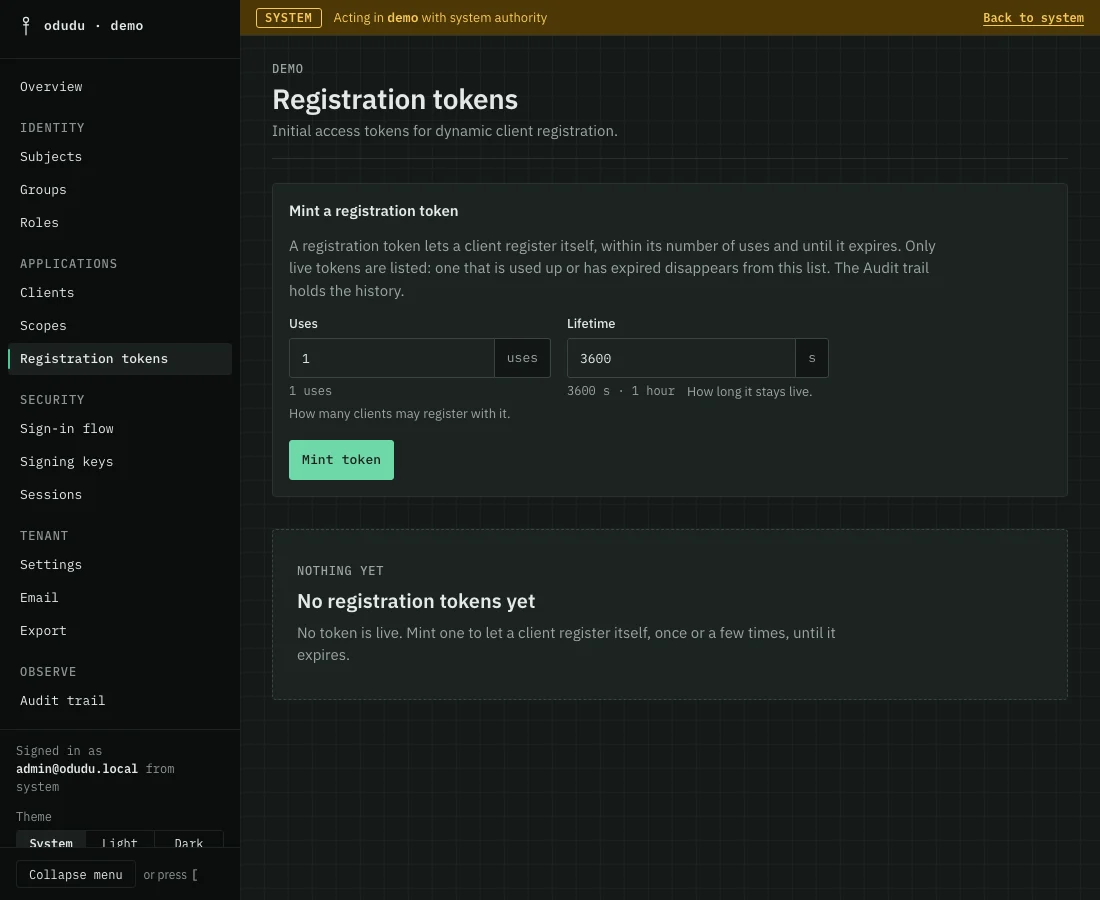
Open Registration tokens. Under Mint a registration token, set Uses, how many clients may register with it, and Lifetime, how long it stays live. Then choose Mint token. The console shows the token once, so copy it before you close the dialog.
3. Hand it to the application
The application sends the token as a bearer credential to the tenant's registration endpoint, POST /tenants/{tenant}/clients-registrations/openid-connect. Each registration spends one use. The client it creates appears on the Clients page like any other.
4. Check what is live
The list shows only live tokens, with how many Uses left each has, when it was minted and when it expires. A token that is used up or has expired leaves the list. The history stays in the audit trail.
Things that cannot be undone
If a token is lost, choose Revoke beside it and confirm with Revoke token. Applications that already registered keep their clients, and the token stops working. Revoking cannot be undone, but minting another is one step.
Do the same through the API
The calls are in the registration tokens area of the admin API; the registration endpoint an application calls is in the endpoint reference. From the command line, odudu seed registration-token mints one.