Roles in the console
A role is a name that a token carries, such as editor or reader. An application reads it and decides what to allow. Odudu does not know what editor means; it only makes sure the right people hold the name. This page is for making roles and for finding out who holds one. It needs the manage-tenant capability; the menu entry is Roles under IDENTITY.
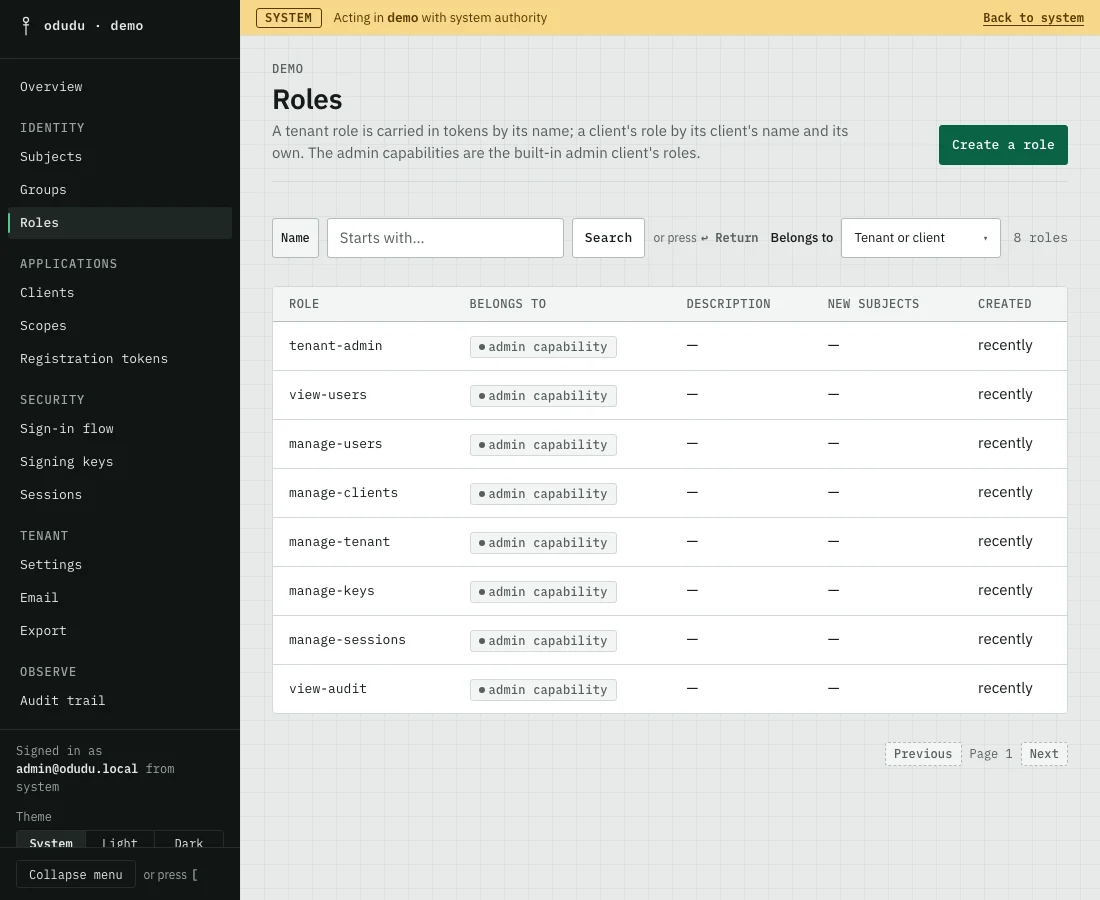
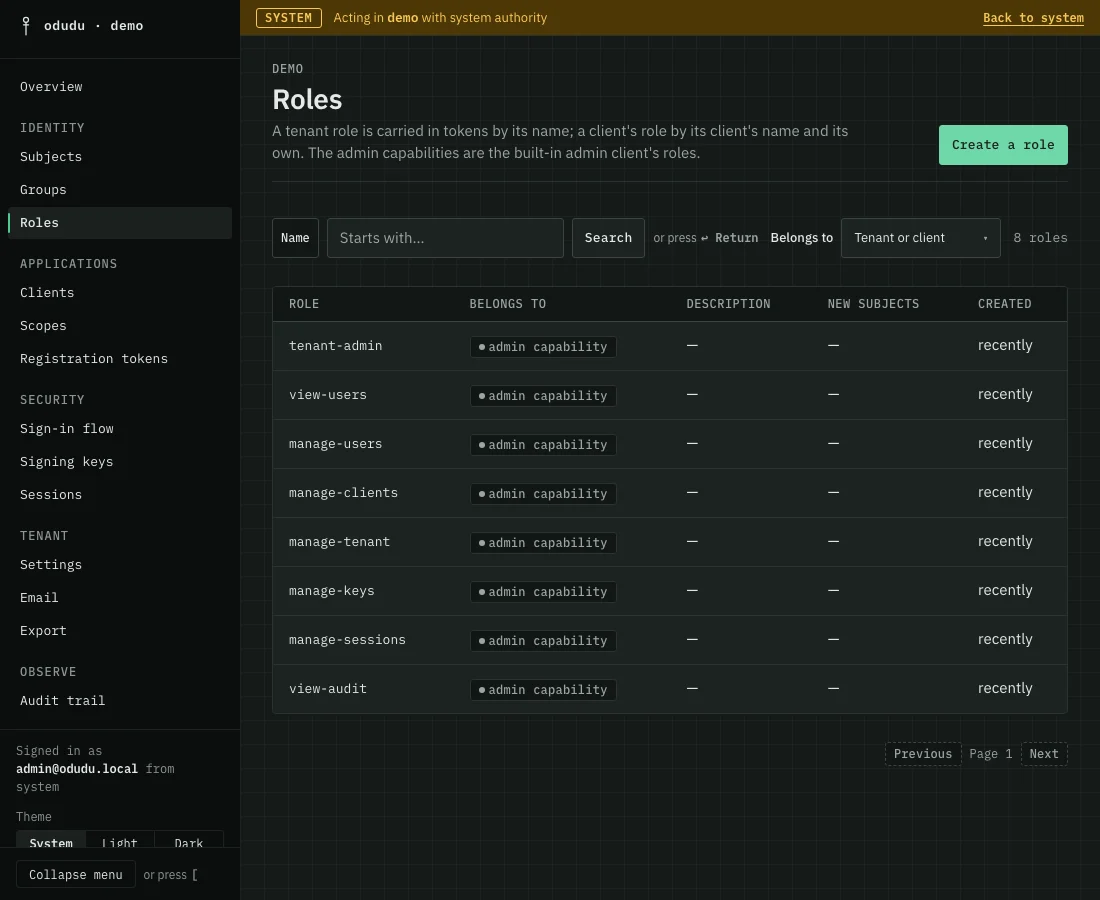
Which roles you see
Every tenant starts with eight roles that belong to the built-in administration client. They are marked admin capability, and they are what lets an administrator use the console and the admin API. They are not assigned here. You give them to a person from the Roles tab of their record, under Admin capabilities, on the Subjects page.
The roles you make yourself are tenant roles. A client can also have roles of its own, made from that client's page; a token carries one as the client's ID, a colon and the role's name, so two clients can each have a role of the same name. Use Belongs to to show the roles of one client, the tenant's own, or Tenant or client for all of them.
1. Create a role
Choose Create a role. Give it a Name and, if you want, a Description, then choose Create role. The name is fixed once the role exists, because tokens carry it. To get a role with another name and the same nested roles, use Create a copy on the role's page.
2. Nest one role in another
Open the role and choose its Composites tab. Pick a role under Add a composite and add it. Whoever holds the outer role now holds the nested one too, from their next token, and whatever the nested one nests in turn. Take one out again with its Take it out confirmation.
3. Give a role to people
A role is held three ways: assigned to a person directly on their Roles tab, carried by a group, or nested in another role. The role's Members tab lists only the people it is assigned to directly, and links to Subjects for the rest. To give a role to everyone who joins from now on, turn on Given to every new subject under New subjects on the General tab. It changes nobody who already exists.
The Activity tab lists every change to the role.
Things that cannot be undone
- Delete on the General tab removes the role and takes it from everyone who held it. It is named for the role, for example Delete reader.
- Taking a role out of another asks first when your own access runs through it.
- The eight admin capabilities can never be deleted. You cannot delete or nest a role that reaches an admin capability you do not hold yourself, and a role every new subject receives may reach none. The console says so where it stops you.
Do the same through the API
The calls are in the roles area of the admin API; giving a role to a person is on the subjects area. From the command line, odudu seed role and odudu seed grant-role make the first ones.