Sessions in the console
A session is the record that somebody is signed in. It is what keeps a person from typing their password at every page, and it is what you end when a laptop is lost, an employee leaves or you want everybody to sign in again. This page is for seeing who is signed in and for ending it. It needs the manage-sessions capability; the menu entry is Sessions under SECURITY.
1. See who is signed in
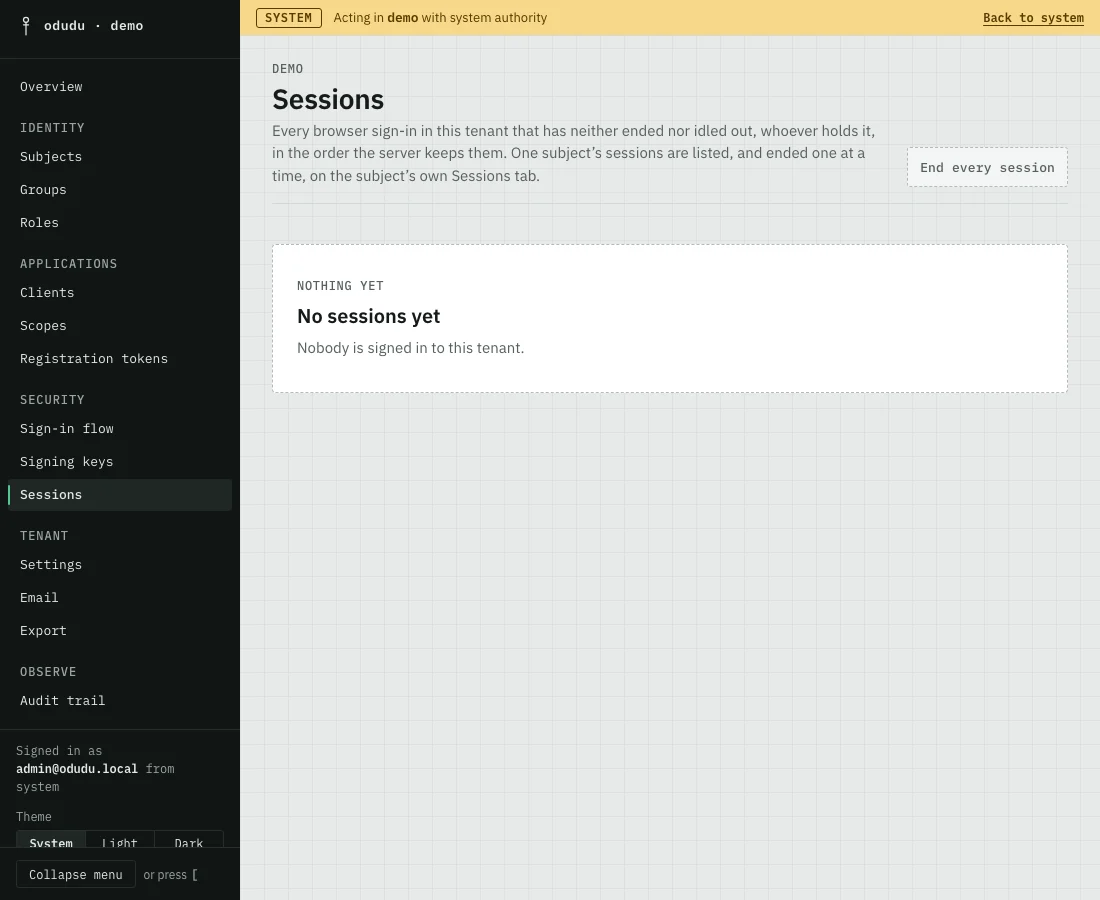
Open Sessions. It lists every browser sign-in in the tenant that has neither ended nor idled out, whoever holds it, a page at a time. Each row names the subject, the clients the session reached and when it started and was last active. The subject's name links to their record.
The administrator who signs in to the console is signed in to the tenant they chose at the start. A system administrator working in demo therefore appears under system, not here.
2. End one person's sessions
The list ends sessions for a whole tenant only. To end one person's, open them under Subjects, choose their Sessions tab and use End session on a row, or End every session to sign them out everywhere. Ending a session revokes the grants it holds and tells every client that registered a back-channel logout address.
3. End every session in the tenant
Choose End every session and read what the dialog says before you confirm. Every live session in the tenant ends, each person is signed out and each client with a back-channel logout address is told. At most five hundred end in one go, and the dialog tells you if more are left, in which case you choose it again.
Two things are left alone. A session whose person holds an admin capability you do not hold stays, so you cannot cut off someone more powerful than you. And a refresh token issued with offline_access is bound to no session, so it survives; cut those off from the person's Grants tab, or from the client's Sessions tab with Revoke every token.
Things that cannot be undone
End every session cannot be undone. It signs everyone out at once, and people lose whatever they had not saved. If your own console session belongs to the tenant, it is one of them and the console signs you out at its next request.
Do the same through the API
The calls are in the sessions area of the admin API; one person's sessions are on the subjects area. To change how long a session lasts, see Settings, and to understand the idle limit and the maximum lifetime read Sessions.