Sign-in flow in the console
When a person signs in, Odudu asks them for something, then perhaps for something more. What it asks, and in what order, is the tenant's sign-in flow. A new tenant starts with a sensible one: a passkey or a password, then a one-time password from an authenticator app for anyone who set one up. This page is for changing it. It needs the manage-tenant capability; the menu entry is Sign-in flow under SECURITY.
1. Read the steps
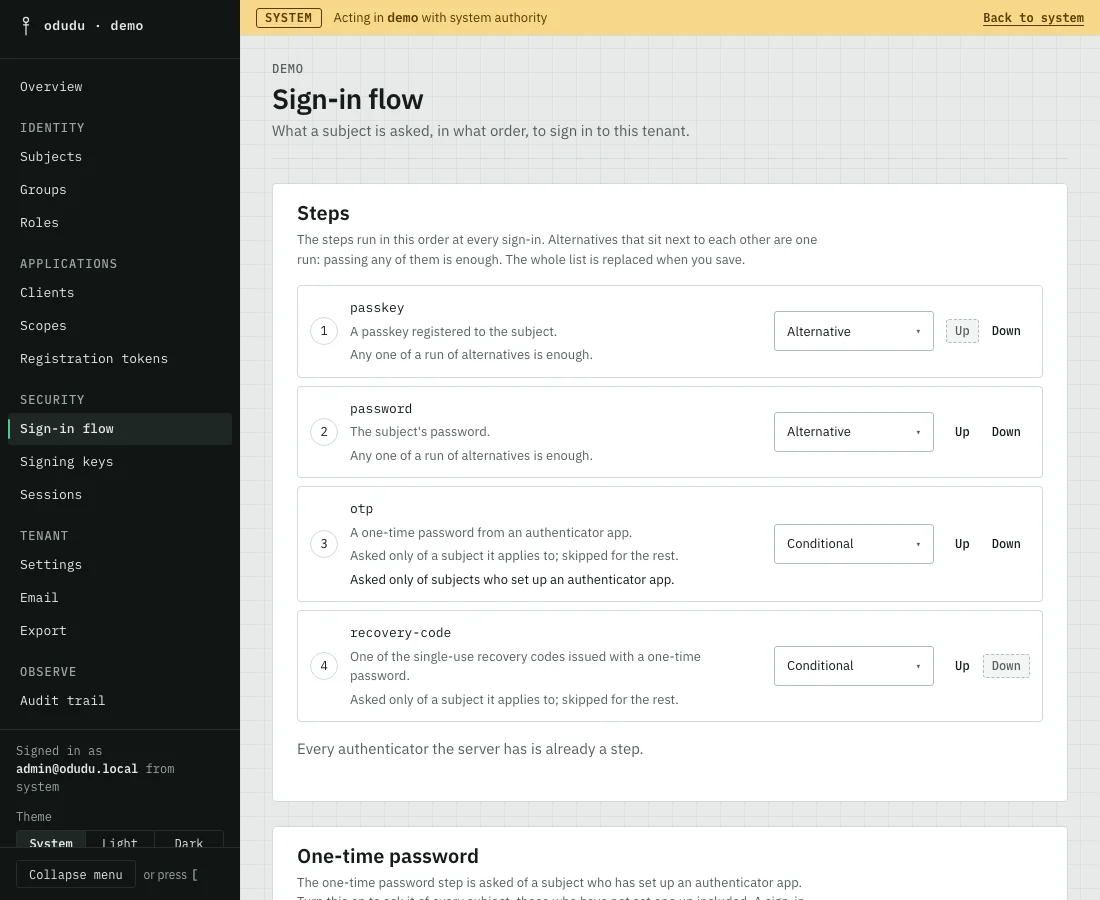
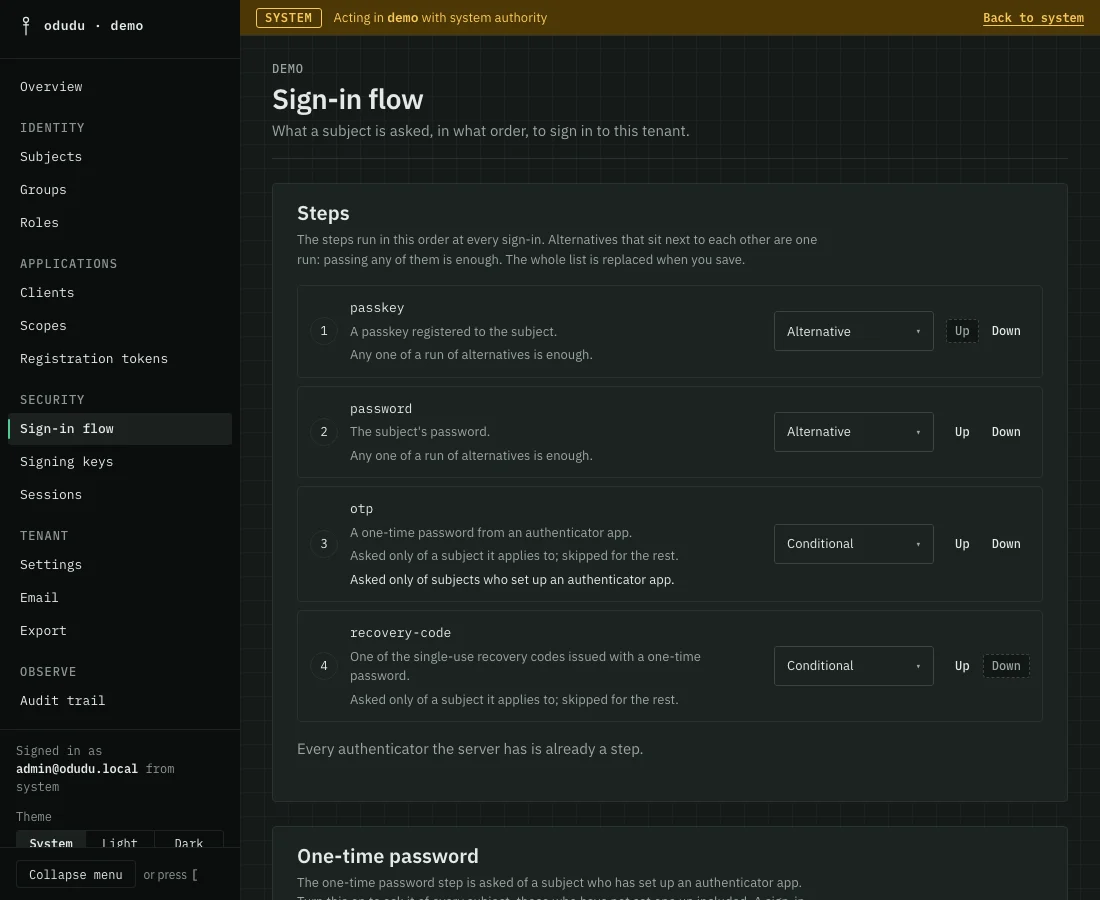
Under Steps, each row is one thing a person can be asked: a passkey, a password, an otp (a one-time password from an authenticator app) or a recovery-code. The steps run in the order shown, at every sign-in.
2. Choose how strictly each is asked
Each step has a requirement.
- Required: every sign-in must pass it.
- Alternative: any one of a run of alternatives that sit next to each other is enough. A passkey and a password side by side mean a person may use either.
- Conditional: asked only of a person it applies to, and skipped for the rest. A one-time password applies to someone who set up an authenticator app.
- Disabled: left in the flow but skipped.
To require a password every time, change Requirement for password to Required.
3. Change the order
Use Up and Down on a row to move a step. Two alternatives that end up apart are no longer one run, so check the order you leave behind.
Add a step
A step that is not in the list can be added. Choose it under Add a step, choose its requirement under Requirement of the new step, then add it. It joins the end of the list.
4. Save the whole list
Choose Save Steps. The whole list is replaced at once, so nothing is half-changed. People already signed in are not asked again; the new flow applies to the next sign-in.
5. Ask everyone for a one-time password
The one-time password step is asked only of people who set up an authenticator app. To ask it of every person, including those who have not, turn on Ask every subject for a one-time password under One-time password and save. A person without an authenticator is then taken to set one up, and their sign-in does not finish until they have. A sign-in with a passkey is never asked again. With this on, a password minimum of 8 characters is enough.
Passkeys
A passkey step does nothing for a person until they have registered a passkey. There is no tenant switch that asks everyone for one. Tick Register a passkey under Required actions on a person's record, or email them the link, and they register one in their browser at their next sign-in. A passkey is tied to the host name in the server's public address, ODUDU_PUBLIC_BASE_URL. If that host changes, passkeys made under the old one stop working. Browsers offer passkeys only on an https address, or on localhost.
Things that cannot be undone, or that lock people out
Nothing here deletes data, but a flow can lock people out. Requiring a step that people have not set up, or disabling the only step they can pass, leaves them unable to sign in until you change it back. Test a change by signing in with a person of the tenant before you leave the page, and keep a second administrator session open while you do.
Do the same through the API
The calls are in the flow area of the admin API. To understand how long a sign-in lasts afterwards, read Sessions.